Industrial operations management software AI Powered

The industrial operations management software that adapts to your procedures and connects with your ERP, MES or CMMS.

MCP server Run Solved from the AI tools you already use

Agroveco Jealsa COVAP Delaviuda Dogfy Diet La Chinata Patatas Gómez Deterra Fritoper Genesal Energy Almendras de La Mancha Laboratorios Almond Carnavi Cotecnica Riverbend Pampling Wetaca ASP Asepsia Exquisitarium G.A. Torres Imperio Garlic Panificadora de Alcalá Patatas Hijolusa Prilux Royal Chef Gil Comes Inalsa Grupo Avícola Rujamar Tuflesa

Capture every piece of plant data and take your teams to the next level.

Shows your factory's operations in real time and extracts what matters most from each process.

A system that adapts to your procedures, not the other way round

Solved was built inside industrial plants, on production processes that were already running. It is configured on the procedures you have already documented, so nothing has to be redone to get started.
+100industrial companies already working with Solved
Allyour ERP, MES and CMMS systems connected
2-3weeks to roll out
+70.000€saved each year in operating costs per customer
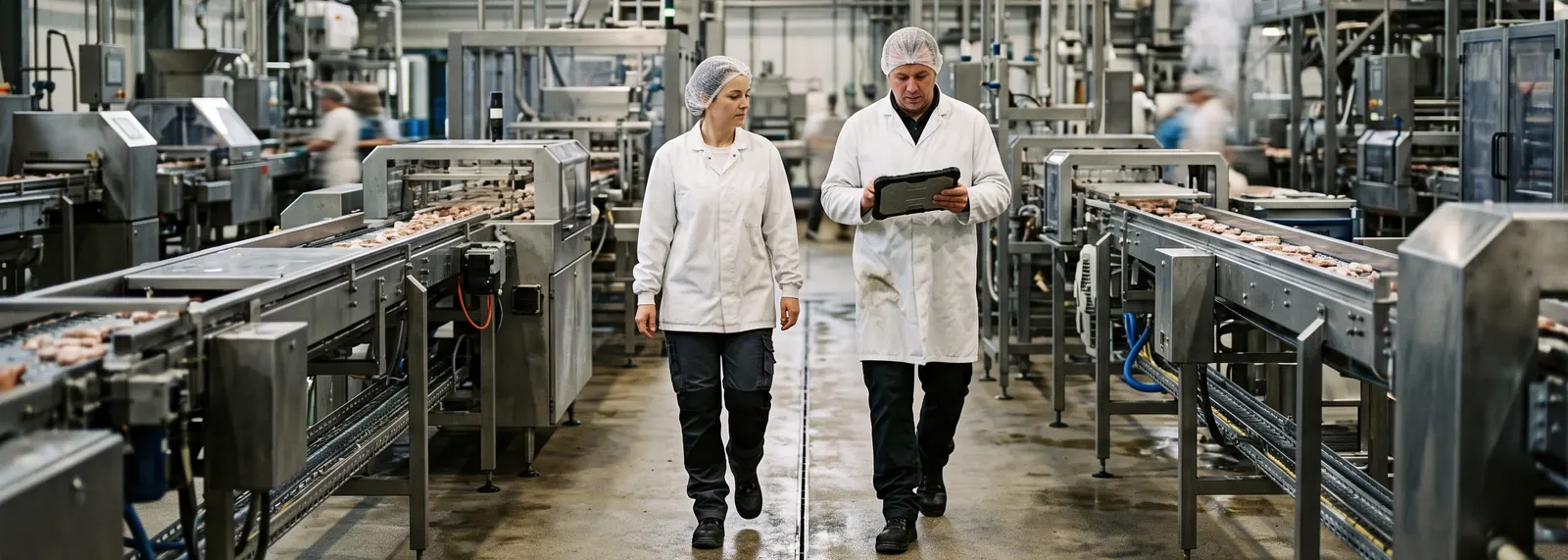
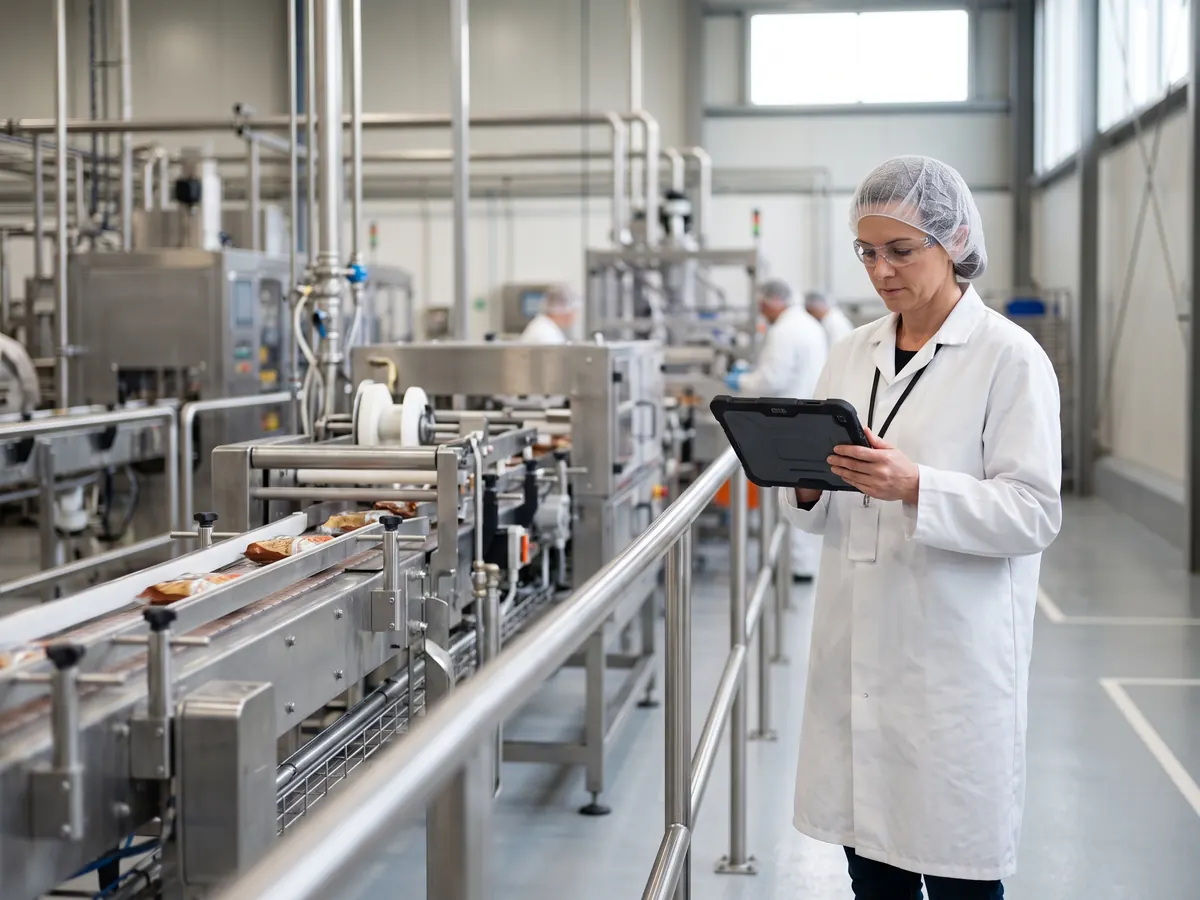
Two operators in coats and hairnets walk the aisle between two process lines in a food plant; one is looking at a tablet

One central log for incidents and complaints, whatever their source

The operator opens the report standing at the machine, from their own phone: description, photo evidence and category. No walking back to the office, no waiting for the paper report at the end of the shift.

  • The photo is taken and attached from the same phone
  • Site and category are picked in two taps
  • The form fields change with the category
  • Date, time and author are recorded without anyone typing them

From any device on the shop floor. No desktop account and no prior training: you log in, pick the category and describe the deviation.

With the evidence built in. The photo goes into the report itself as it is logged, not into an email afterwards.

With someone assigned. The report is created with a site, a category and an owner, so it never ends up ownerless.

Panificadora Alcalá

“Being able to report an incident together with the image helps a lot: before, we ended up with descriptions that were only text.”

Samuel Pardo Technical department coordinator · Panificadora Alcalá

Start with Incidents

Assign and follow up every team's tasks

Every deviation generates its corrective tasks, and all of them are created with an owner and a closing date. The due date is flagged in the default view itself, with no manual follow-up needed.

  • An owner and a closing date on every action
  • Overdue ones are flagged in the list itself
  • The action code points back to the incident that caused it
  • Table, calendar or kanban, whichever suits each team

Every action has an owner. An owner and a closing date from the moment it is created, not later.

The due date is visible in the list. Flagged in red, without opening the action.

With the origin traced. The action code points back to the incident or record that generated it.

Start with Actions

A check that comes back KO raises the incident automatically

This is where a round of checks stops being filed paperwork. When a check is marked KO, Solved raises the incident and links it to the check and to the section it came from.

  • The incident is born carrying the reference of the check and its section
  • Who performs, who supervises and who verifies is signed off
  • Scheduled rounds, with an alert and an assigned owner
  • The history stays complete and searchable for the audit

The round is signed off. Execution, supervision and verification, each with a named owner.

A KO result does not get filed away. It raises an incident carrying the reference of the check and the section it came from.

The audit needs no prep work. The history stays complete and available, with no last-minute document hunt.

Prilux

“The goal is to be very clear about the KPIs, the indicators we want to track, and with that we've significantly reduced the questions we need to ask.”

Álvaro Sobrino Quality director · Prilux

Start with Records

Configurable dashboards, updated in real time

The plant data is already in the system, put there by the work itself: open incidents, average time to close, overdue actions and signed records. No prior export, no waiting for the period to close.

  • Open incidents and how they split by category
  • Average time to close, with the change against last month
  • Overdue actions, flagged one by one
  • Exportable reports to send outside

No manual re-keying. The data arrives with the work itself, with no export step first.

Compared with the previous period. Each figure comes with its change, which is what shows the trend.

With an export when it is needed. There is a report to send to a customer, a certification body or management.

Prilux

“We wanted to maintain compatibility with our previous databases, so from the very first moment we carried over the specific fields we needed, and by the next meeting we already had a version to test.”

Álvaro Sobrino Quality director · Prilux

Start with KPIs and dashboards

Ask your plant data a question in plain language

Solved's AI layer answers from your own organisation's data: incidents, actions, records and documents. It is not a generic chat — it works directly on the plant's information.

  • It answers quoting the specific reports and records
  • It cross-checks an asset's history against its KO checks
  • It creates the incident from free text or an email
  • It produces the weekly quality report per plant

On your own data. The answer comes from the organisation's incidents, records and documents.

With an explicit reference. Every answer quotes the code of the report or record it came from.

With measured usage. The platform runs on credits, so the cost of each use is known up front.

Start with the AI layer

Integration with the systems already in place

Solved does not replace your ERP or your CMMS: it connects to them so plant data is neither stranded nor entered twice.

  • Connection with ERP, MES and CMMS
  • Reports and records sync with the system already in place
  • Email alerts, in Outlook or Gmail
  • No duplicated data and no manual dumps
The incident is logged once in Solved and passed to the ERP as a work order. No double entry, and the same identifier in both systems.

Two-way sync. Shop-floor activity flows up to the ERP and the ERP's master data comes down to the record.

No manual dumps. The export-and-retype step disappears, and its margin for error with it.

Nobody has to switch systems. Each area stays in its own system and the data meets in between.

Ask about an integration

Where it applies

The same information, three functional areas and two sectors with their own regulations.

Quality: records reach the audit already filled in

Every non-conformity with its cause, its owner and its closure. IFS, BRC and ISO 9001 with the full history.
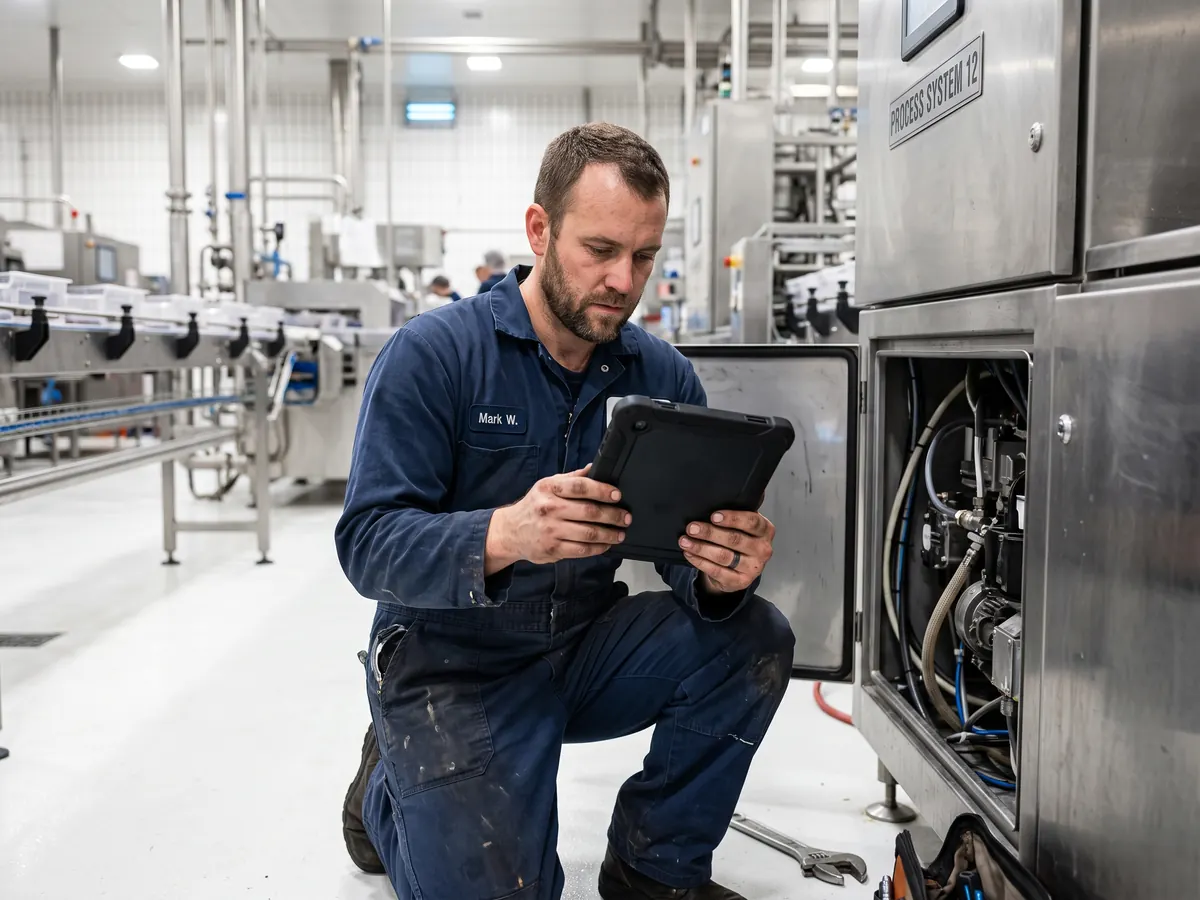
Maintenance: the breakdown alert carries the evidence and the asset involved

The breakdown is logged from the phone, with a photo and the asset, and goes to maintenance with no verbal hand-off. It works alongside the CMMS already in place.
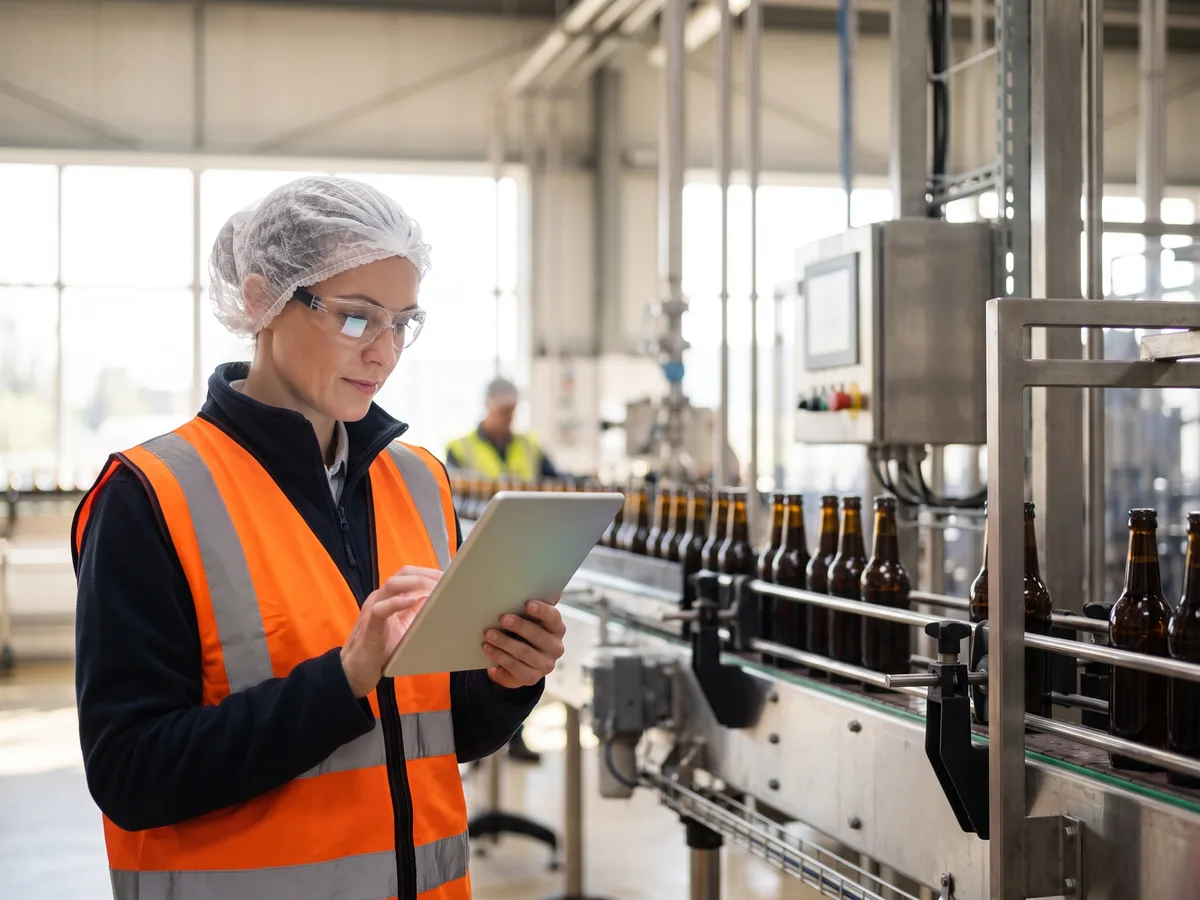
Production: the check gets done without stopping the line

The check is filled in next to the equipment; a KO opens the incident and the next shift sees what was left open.
Built for the shop floor

The same information on the line phone, the shift tablet and the office desktop.

A warehouse operator reads the report on a tablet, between the racks

Multi-device access: entries are made at the line, review happens on a tablet and analysis at the office desk, always on the same data. Line staff log entries from day one, with no prior training.
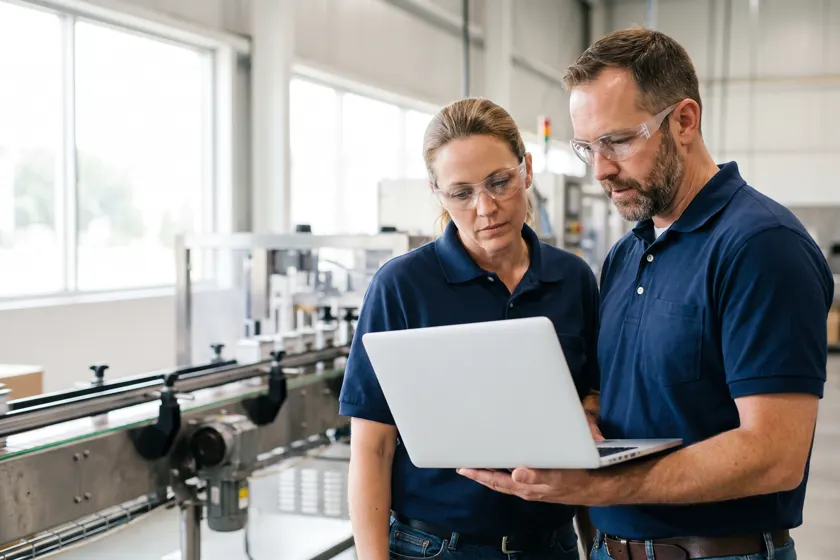
Two plant managers review production data on a laptop, next to the line

Interoperability: It integrates with all your systems —ERP, MES and CMMS—, so plant data is neither stranded nor entered twice.

See the integrations →

Three plant operators look at the same tablet together during go-live

Live in two or three weeks: template setup, migration of existing records and training for each plant's owners before the first report. The scope widens module by module, with no system migration.

Frequently asked questions

What is Solved?

Solved is industrial operations management software: it brings incidents, control records, documentation and indicators together in a single system, reachable from phone, tablet and PC.

Which companies is Solved for?

For industrial plants — food, chemicals, packaging, general manufacturing — that run their operations today on spreadsheets, paper or messaging apps and need to bring them into a single system.

Does Solved integrate with my ERP, MES or CMMS?

Yes. Solved has connectors for the main ERP, MES and CMMS systems on the market, which avoids duplicated data and keeps management in one place.

Can I use Solved on a phone?

Yes. Solved runs on phone, tablet and PC, so logging and looking things up happen right at the workstation.

How long does implementation take?

A typical rollout takes two to three weeks, with support throughout the go-live.

Talk to an industrial operations specialist