Records and audits AI Powered

Digitise your plant records and checklists: record from anywhere and generate the documents automatically.

The same reports you already use —cleaning, temperatures, weights, maintenance—, filled in on the spot. A KO opens the incident on its own.

MCP server Run Solved from the AI tools you already use
Agroveco Jealsa COVAP Delaviuda Dogfy Diet La Chinata Patatas Gómez Deterra Fritoper Genesal Energy Almendras de La Mancha Laboratorios Almond Carnavi Cotecnica Riverbend Pampling Wetaca ASP Asepsia Exquisitarium G.A. Torres Imperio Garlic Panificadora de Alcalá Patatas Hijolusa Prilux Royal Chef Gil Comes Inalsa Grupo Avícola Rujamar Tuflesa

Build the template, schedule the record and download the history in one module

Four capabilities of the module, each on the screen that delivers it.

The library keeps every template with its sections, its checks and their field types. Duplicate the one closest to the procedure and adjust what differs.

Upload the Excel, PDF or Word file and Solved returns the editable template. How to read the document — what is a section and what is a check — is written out in plain language.

See Solved's AI →

Each check is dragged into place by its handle and takes one of seventeen answer types: number, select, date, calculation, formula, signature or code scan.

A formula decides whether the measured value is within range and resolves it as OK or KO with nobody interpreting it; a visibility rule shows the check only when it applies.

Every template is scheduled with its frequency, its date and its owner, and the module calendar shows at once what is still to do and what has been closed. The alert goes out before the check falls due, not once it already has.

Every closed record keeps its execution date, its status and its evidence, and the history is filtered by production line, shift or product. That is where the records report in Excel comes from, and every signed record, as a PDF.

See KPIs and dashboards →

The three routes to a finished template

One check of each type, and the formula that settles it as OK or KO

The template's schedule, and the calendar that picks it up

Every closed record downloaded as a PDF, and the history in Excel

Configure quality, maintenance, production and safety checks on your own procedures

One records module, with the frequency and the owner of each area.

Process control, documented before the audit

Prerequisites and product checks are available for an IFS, BRC or ISO 9001 audit with no prior preparation.

  • Cold room and process temperatures, with their limits
  • Product quality checks, with their evidence
  • Goods receipt and supplier approval

A preventive job is a record with a frequency and an owner

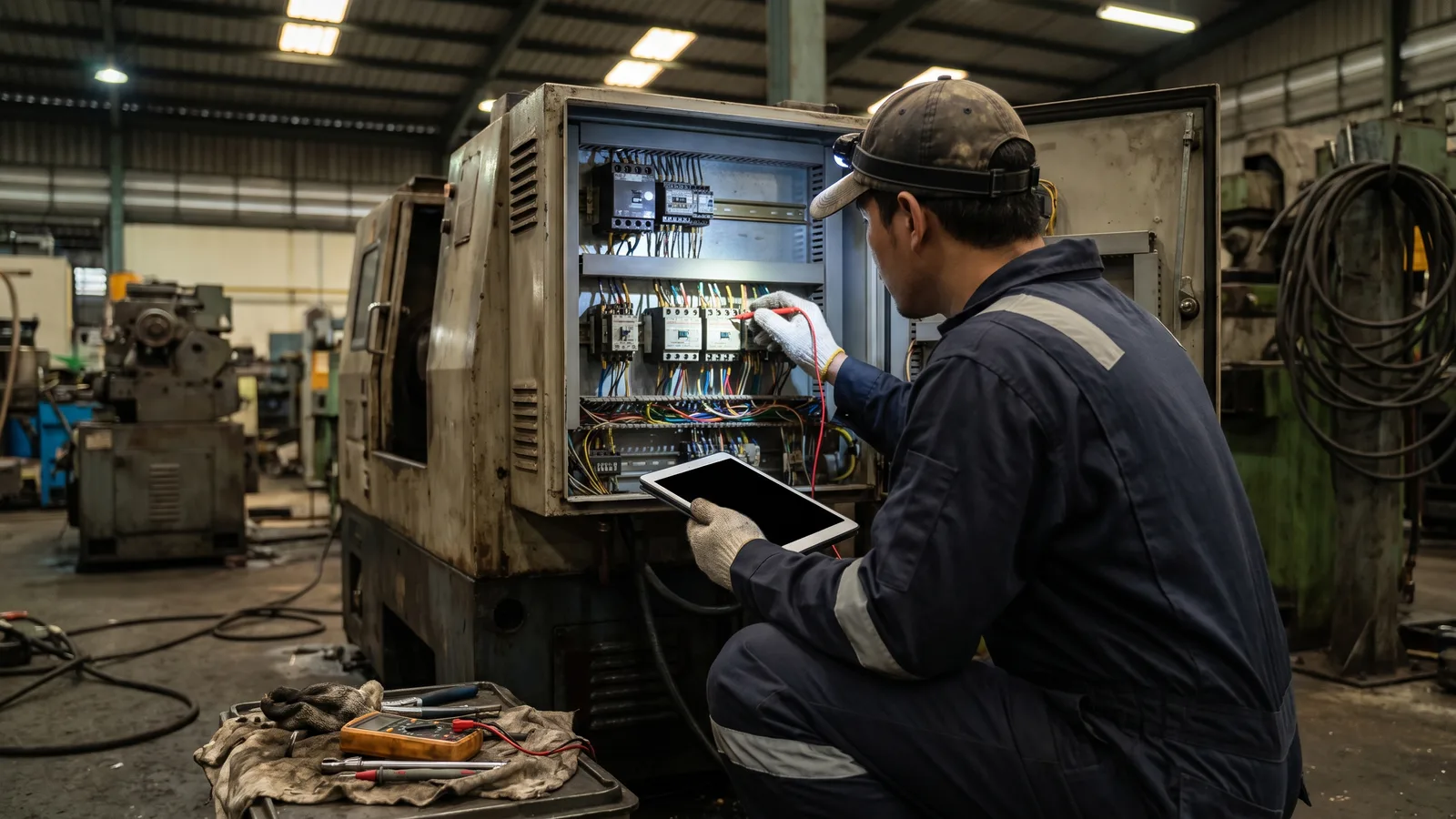
The maintenance routine is scheduled as a recurring record on the asset, and any deviation found opens the incident on that same equipment.

  • Routine maintenance by equipment and frequency
  • Checks on cold rooms and refrigeration equipment
  • Every asset with its record, its QR code and its history

The shift report, signed by whoever runs it

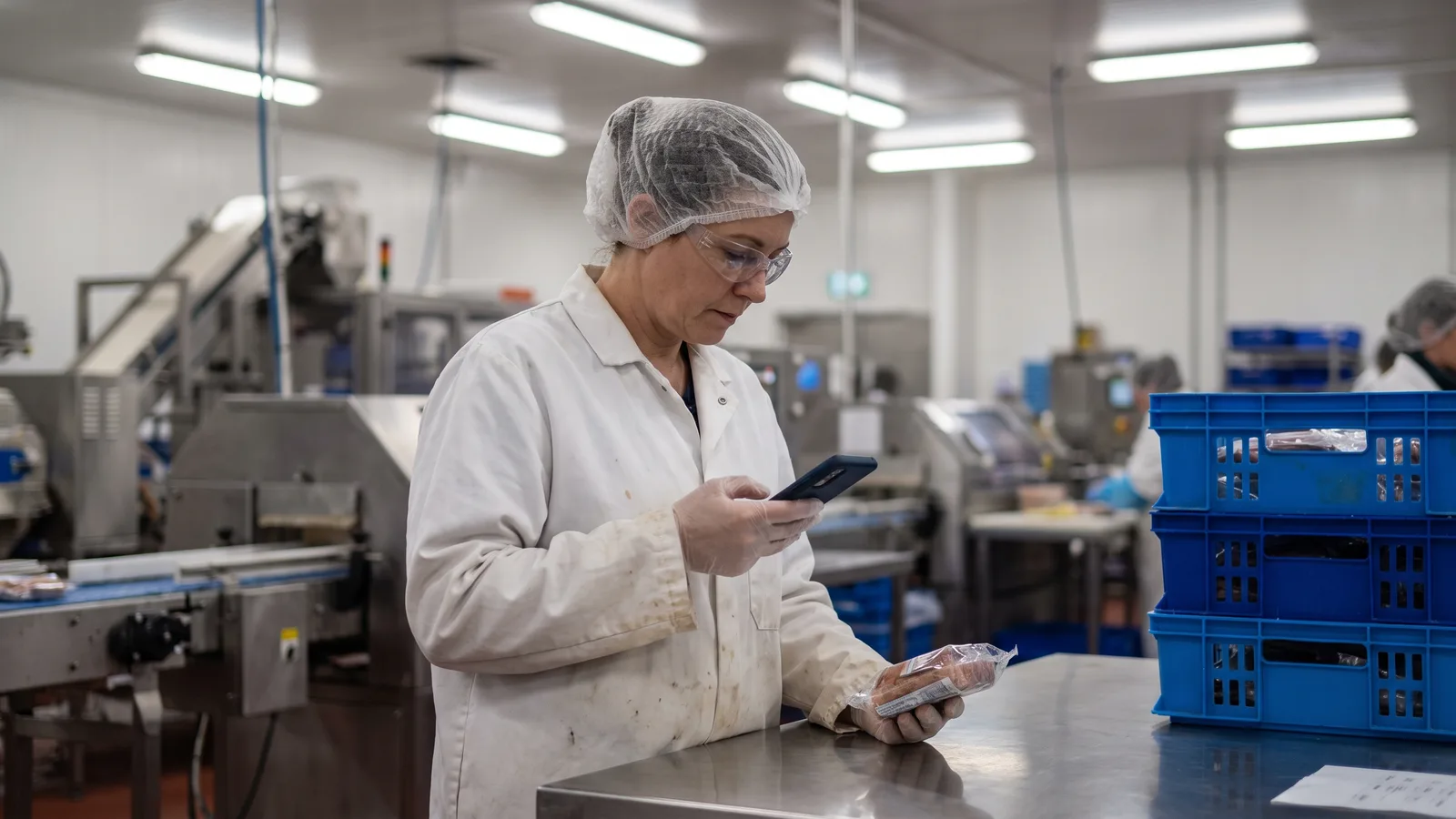
Line checks are recorded at the workstation and not at the end of the day, each one with the shift supervisor identified.

  • Production line inspection
  • Weights and in-line process checks
  • Shift supervisor's signature, with its timestamp

Safety and environmental inspections, with the same traceability

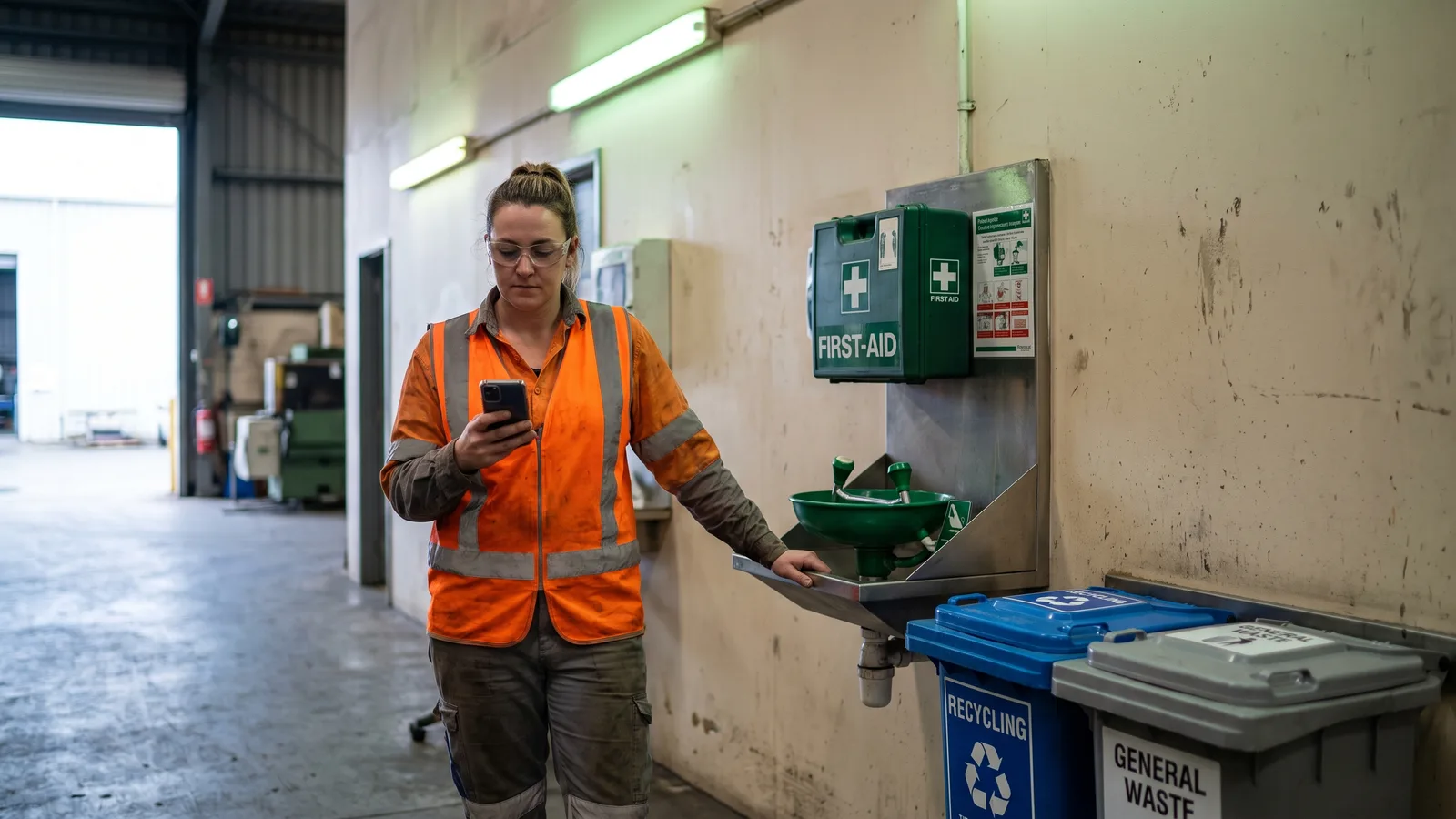
They follow the same circuit as any other record: scheduled frequency and deviations routed to their owner, without a separate system for each standard.

  • Occupational health and safety checks
  • Water sampling
  • Cleaning checks and hygiene prerequisites

What they achieve in the first year

Figures recorded by Solved customers during their first year of use

-100%Time spent copying checklists into Excel or the ERP
-65%Time spent filling in checklists
-72%Average response time to carry out corrective measures
-80%Average handling and communication time
-55%Average production downtime per incident

“Our biggest inefficiencies are everything we still do manually, that is, paper and pen: first, it's a waste of time, and second, it can lead to mistakes.”

Samuel PardoTechnical department coordinator · Panificadora Alcalá

Frequently asked questions

What is a digital checklist?

It is a verification list filled in from a phone, tablet or PC instead of on paper, automatically recording date, owner and result in real time.

Can I tailor the checklists to each process?

Yes. Solved lets you configure bespoke templates for each check, inspection or procedure, matched to each plant's standards and way of working.

Does Solved help with IFS, BRC or ISO 9001 compliance?

Yes. With records digitised and available at all times, compliance is documented without prep work before the audit.

Can I schedule how often each check runs?

Yes. You set each procedure's frequency and date, and the system notifies and assigns owners so none is left undone.

Does it work on any device?

Yes. Records are filled in and reviewed from a phone, a tablet or a PC.

Does it work for preventive maintenance?

Yes. A preventive job is set up as a scheduled record on the asset, with its frequency and its owner, and a deviation found during the check opens an incident on that same equipment.

Does an out-of-range check open the incident automatically?

Yes. A check with a KO result generates the incident with its owner and its deadline, linked to the record that produced it.

Can the record history be exported?

Yes. The history is filtered by line, shift or product and exported with the attached evidence, and the product's AI also issues tailored reports and each site's weekly report.

Talk to an industrial operations specialist

Common questions at this stage: converting the report forms and checklists already in use, and the frequency and scope of each inspection.